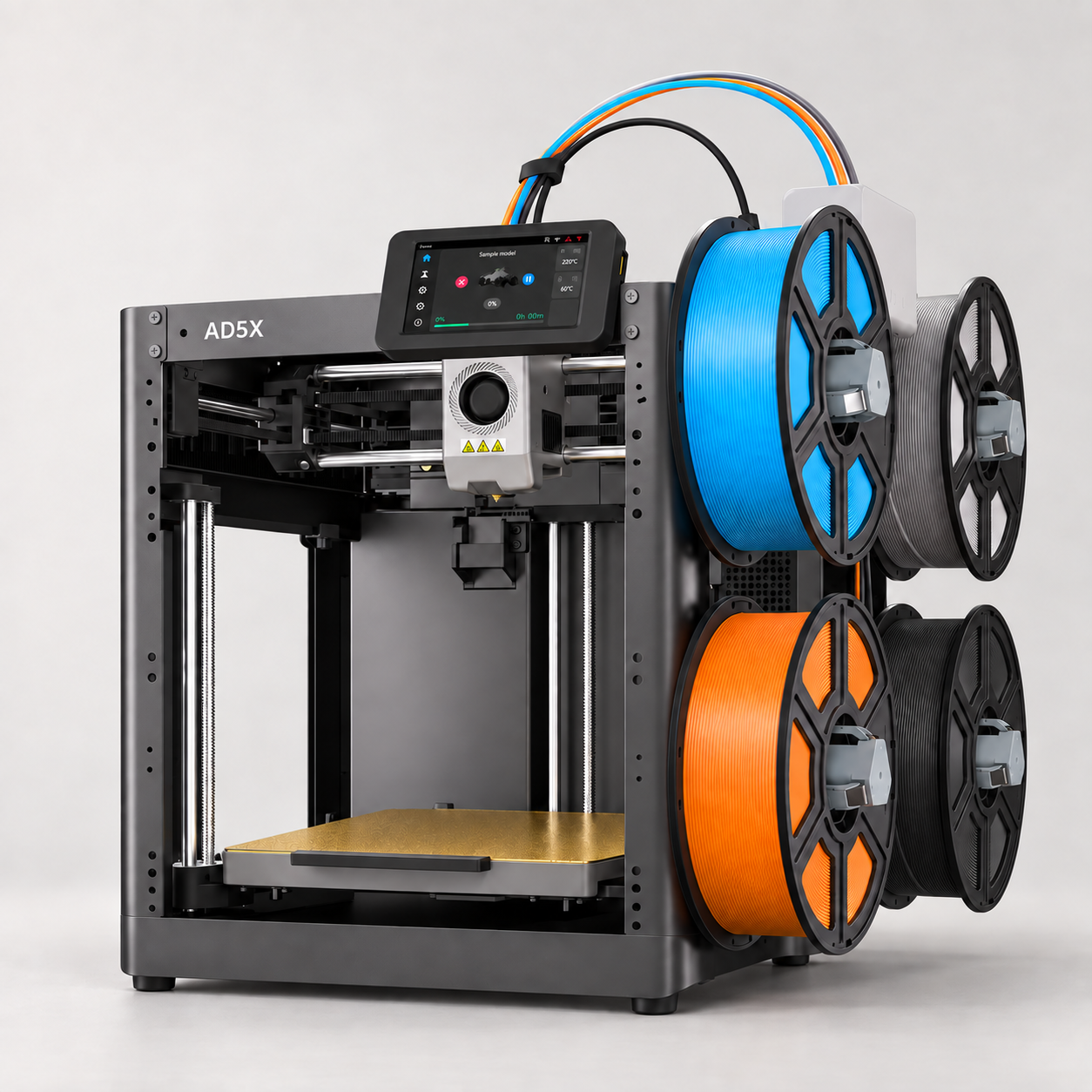
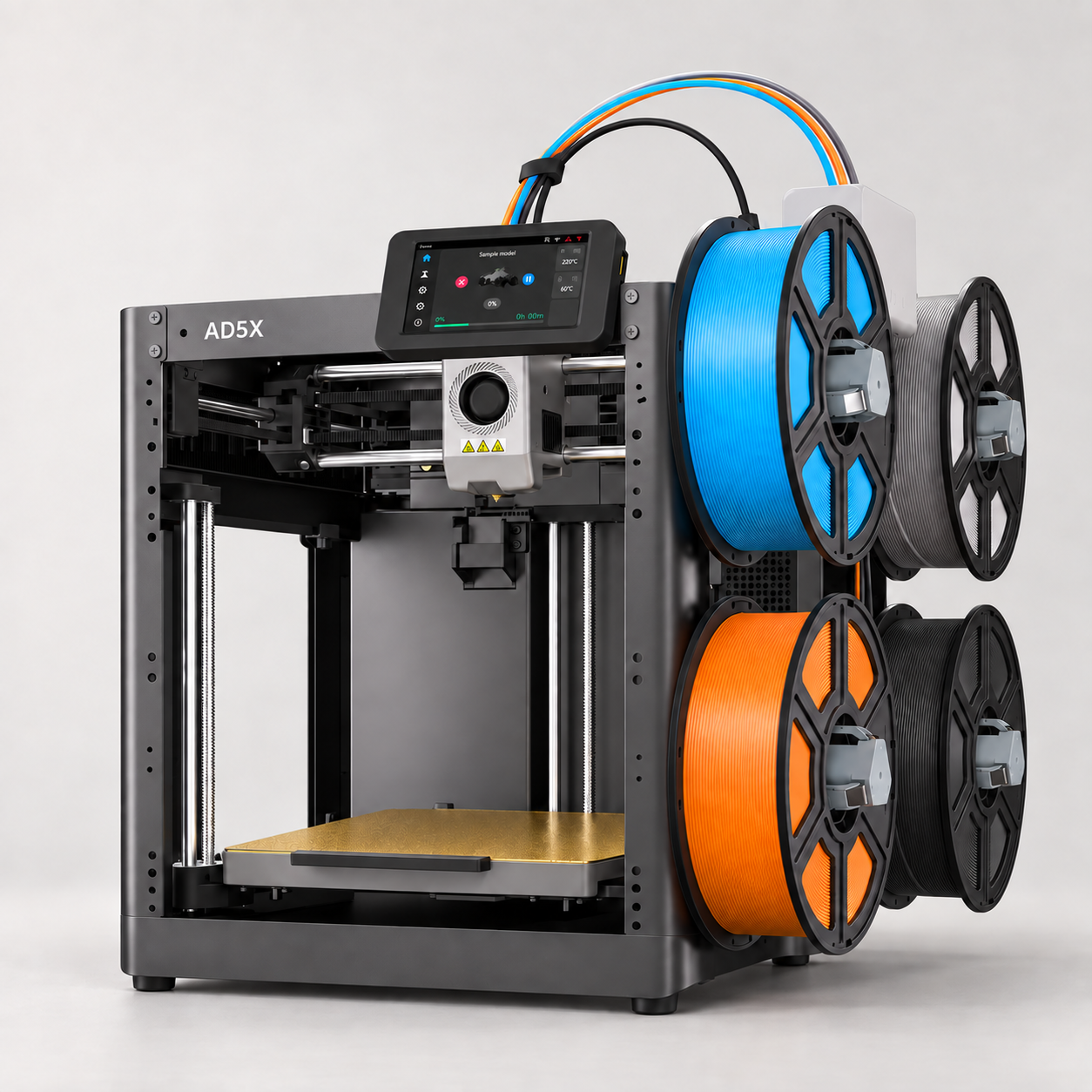
Use up to four filament colours in one project. The IFS system handles loading, unloading and colour changes through a single printhead.
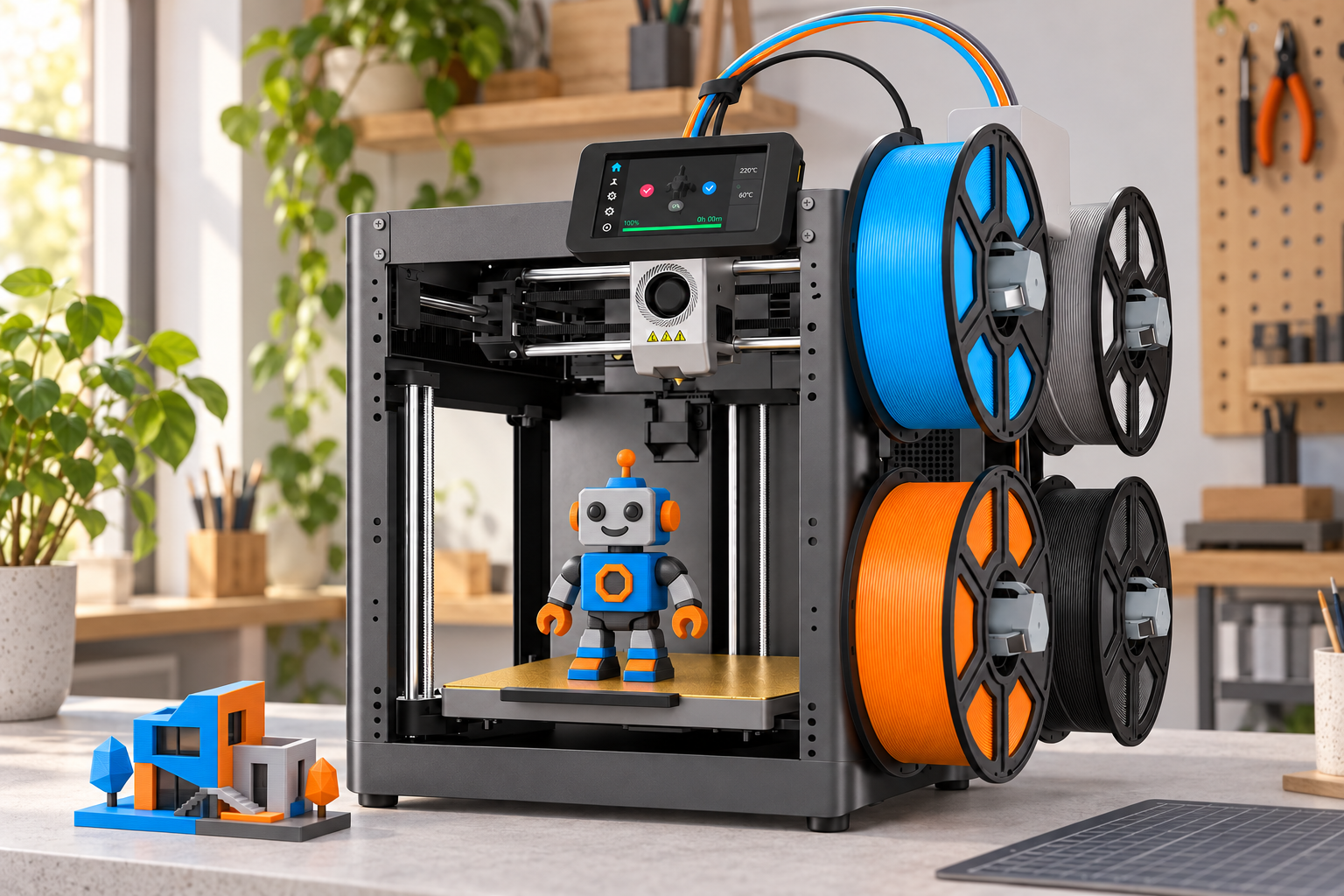
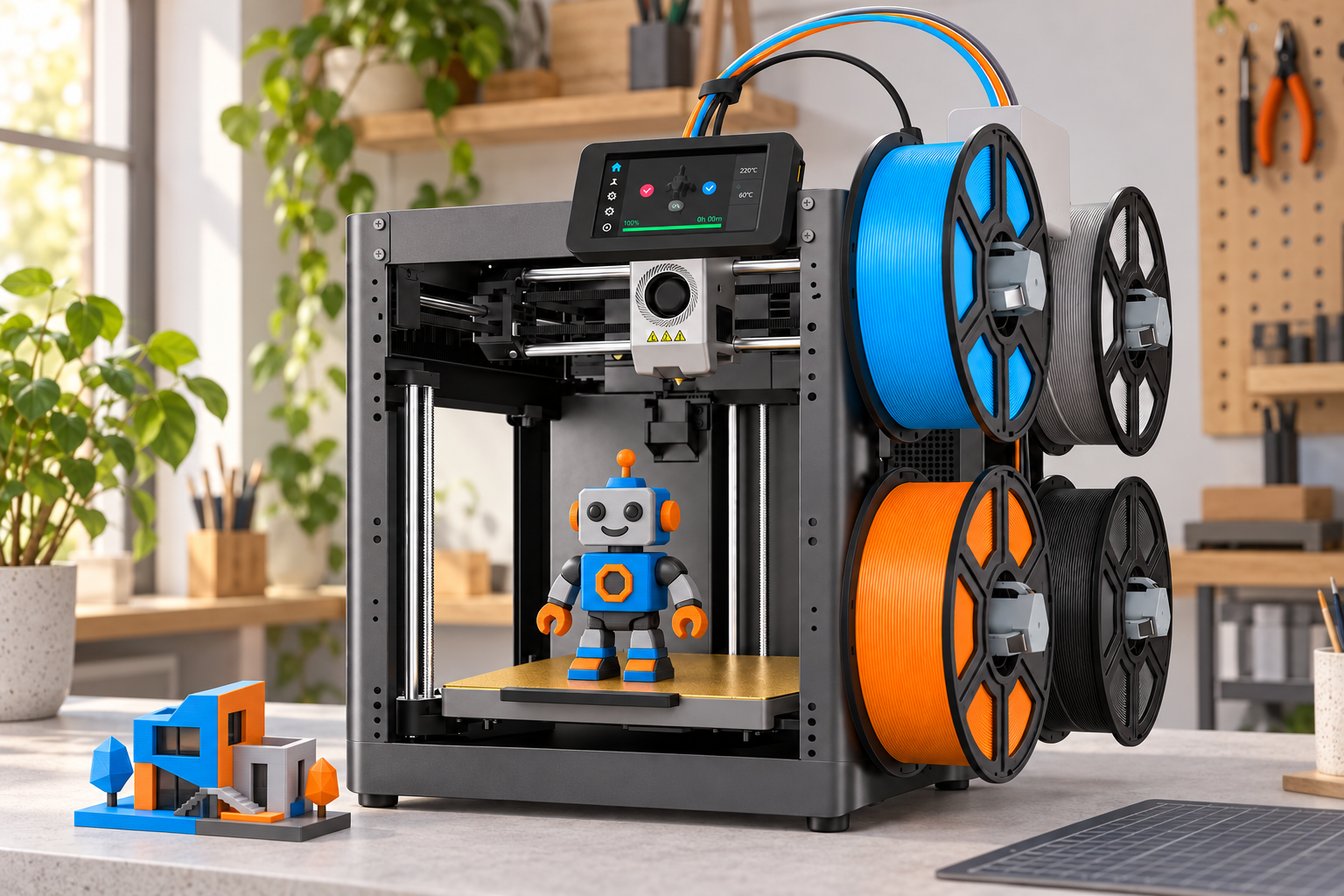
Printed projects and full filament spools shown in lifestyle images are illustrative examples, not extra bundled gifts.
02 / FILAMENT BACKUP
Keep a single-colour job going.
Configure matching filament spools for automatic backup. When one runs out, the system can continue from another spool.
Manufacturer animation of automatic filament refill. The 4 kg figure describes supported refill capacity, not included filament.
03 / YOUR MAKER SPACE
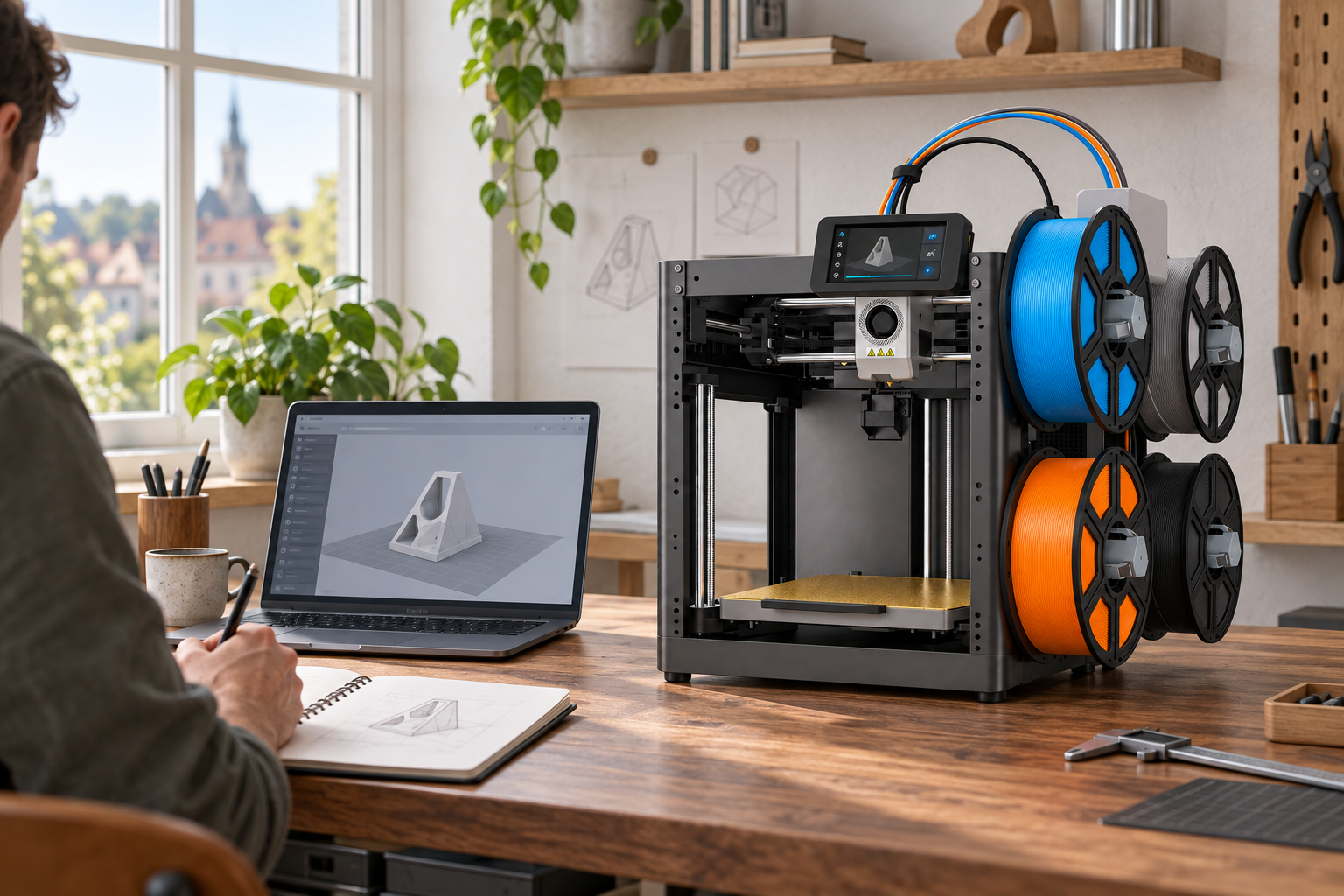
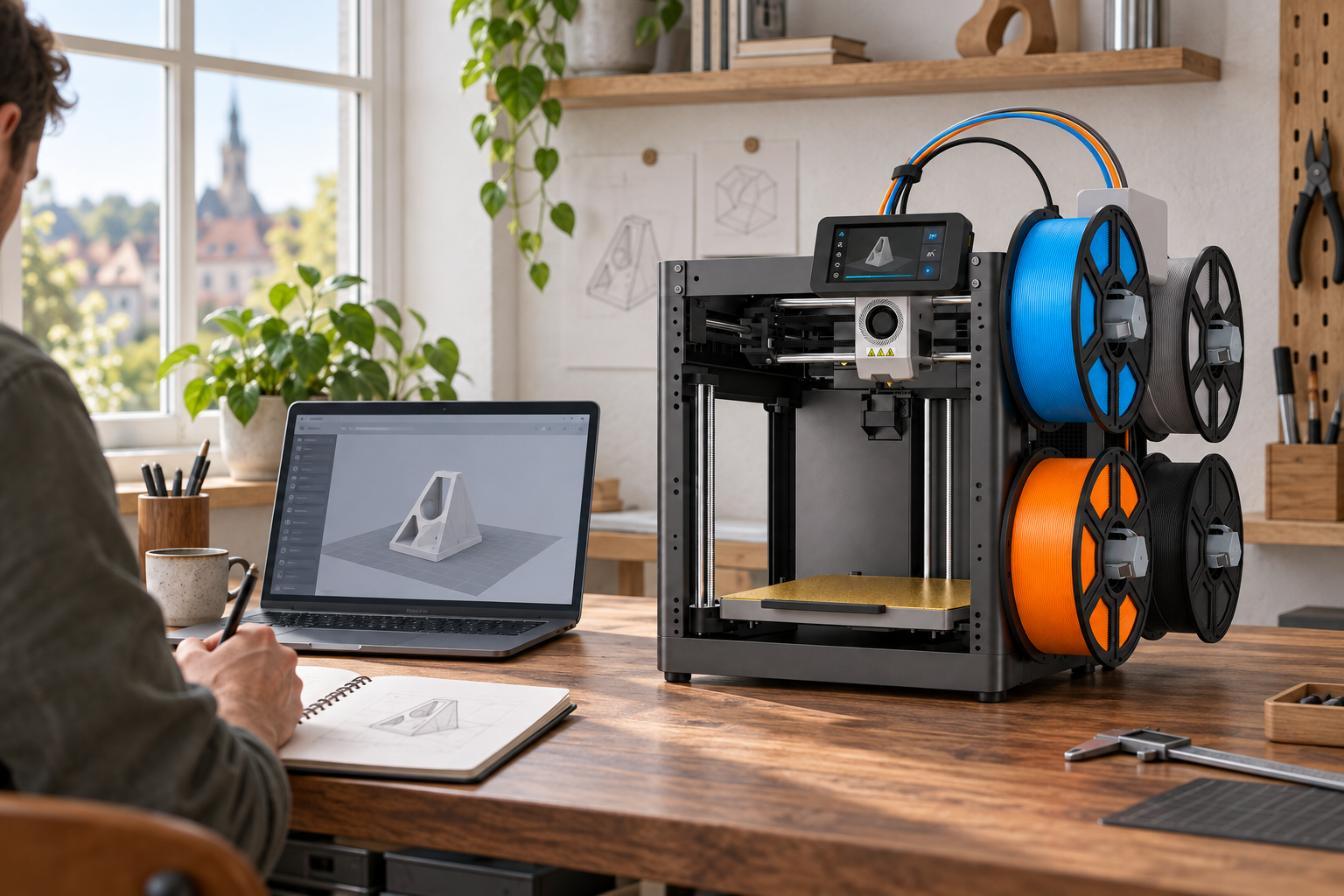
From an idea to a prepared print.
Open your model in a compatible slicer, choose its colours and prepare the print file. Leave room around the printer for the side spools and moving parts.
04 / A CLEAR START
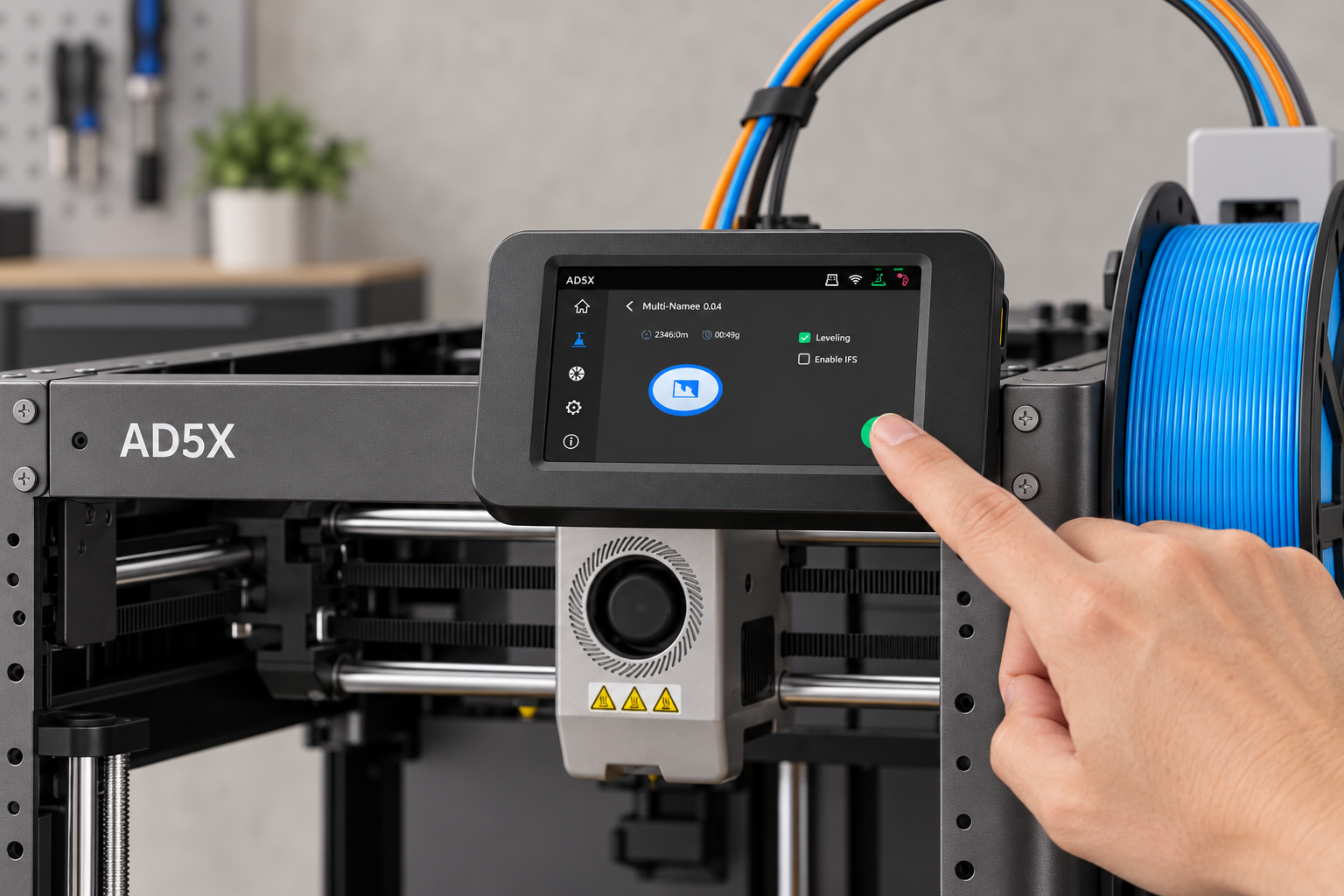
Useful controls within reach.
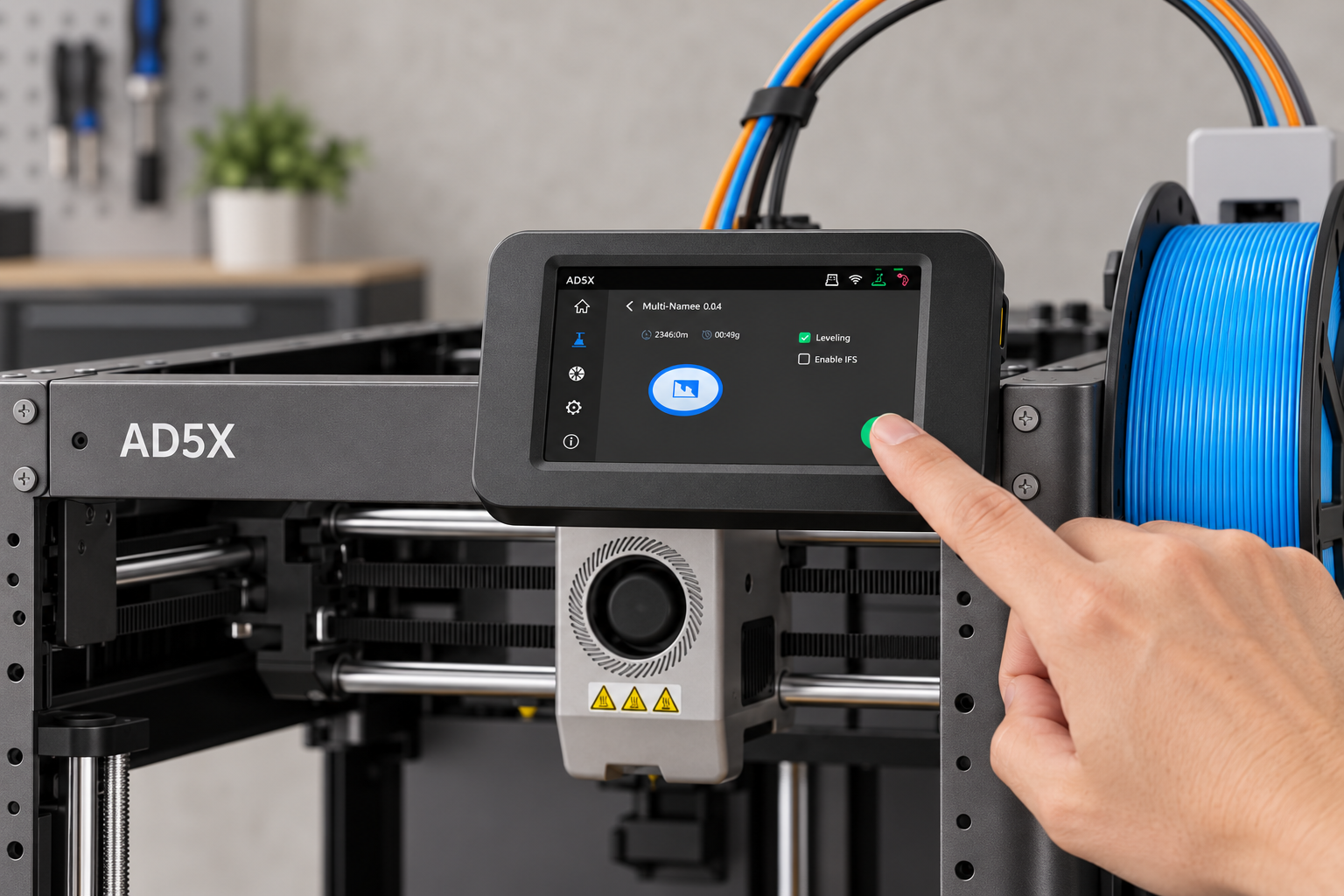
The 4.3-inch colour touchscreen puts setup and print controls together. Automatic levelling helps prepare the first layer without manual bed adjustment.
05 / AFTER THE PRINT
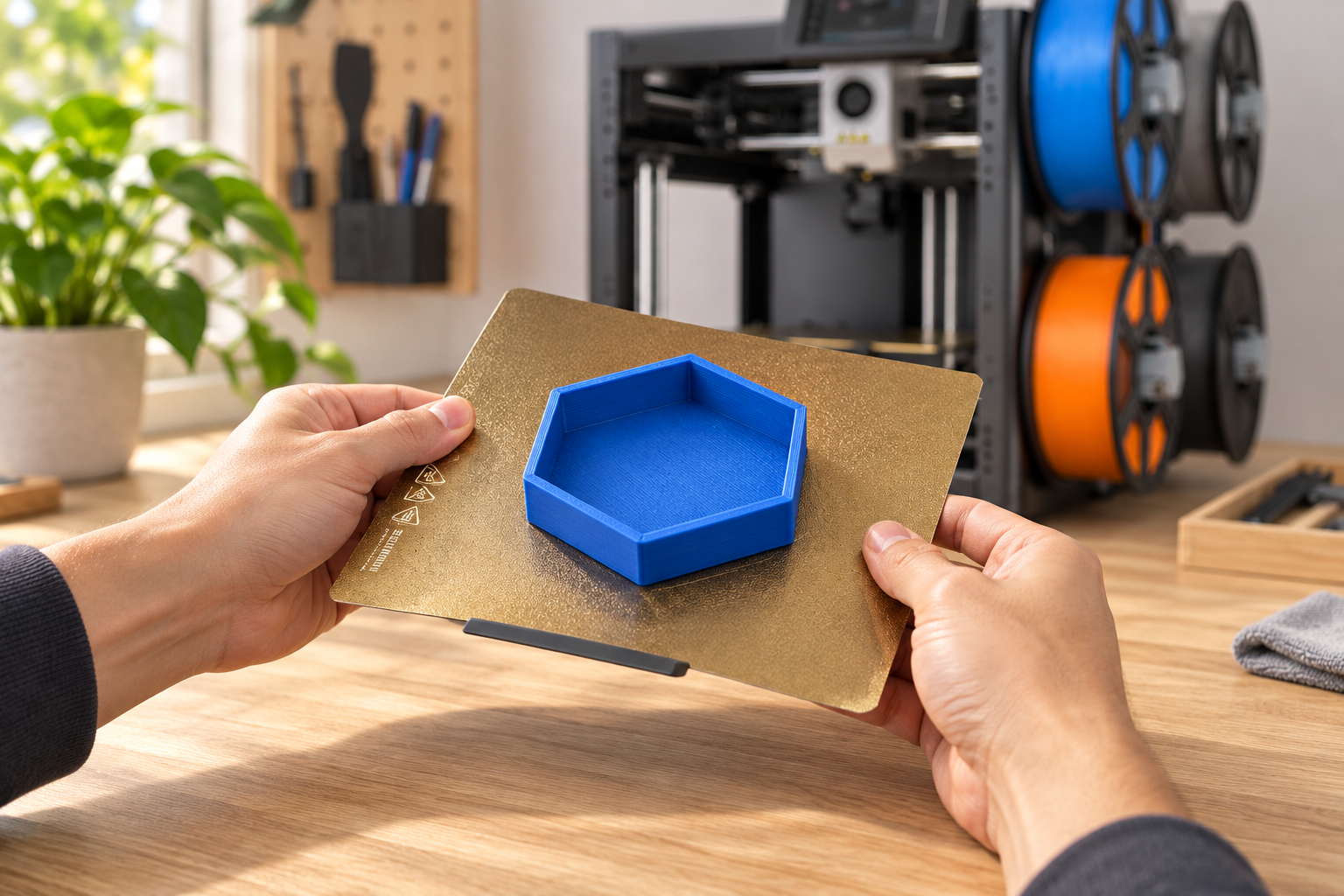
Lift, flex and start again.
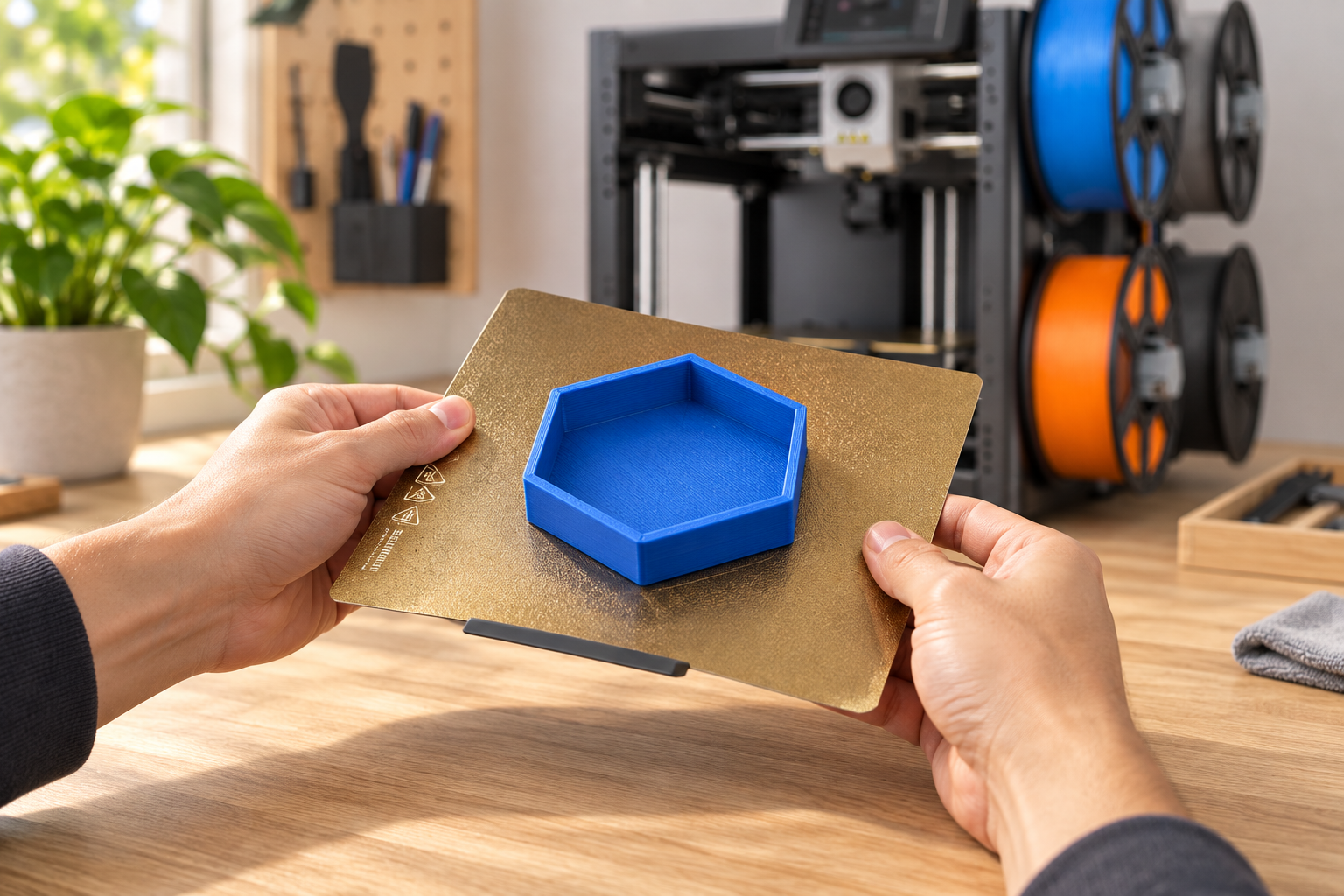
Let the model and plate cool, then remove the flexible PEI steel sheet and gently flex it to release the print. Clean the surface before your next project.
06 / THE MOVEMENT
A rigid frame for each layer.
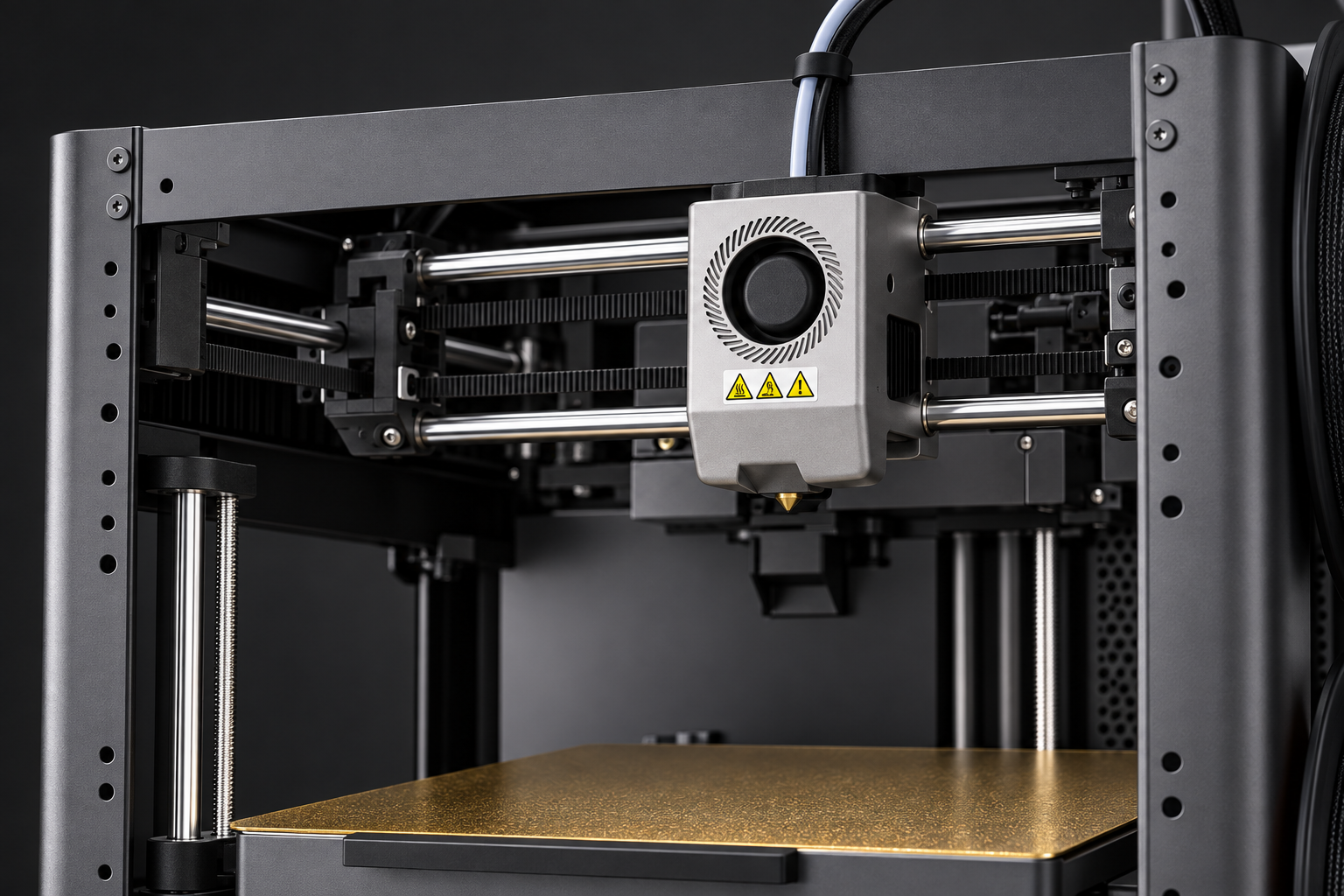
A metal CoreXY frame, guide rods and belt-driven motion support the single printhead. Match speed and temperature to your filament and model.
Speed, clearly explained: the EU specification table lists up to 600 mm/s travel speed and up to 300 mm/s print speed. These are maximum ratings, not a guarantee for every model.
07 / MAINTENANCE
See how the nozzle releases.
A quick-release nozzle makes the replaceable component easier to access. Follow the supplied maintenance instructions and allow hot parts to cool before handling.
Manufacturer demonstration of nozzle removal. This short clip is a feature overview; follow the complete maintenance procedure before working on the printer.
08 / EVERYDAY PROJECTS
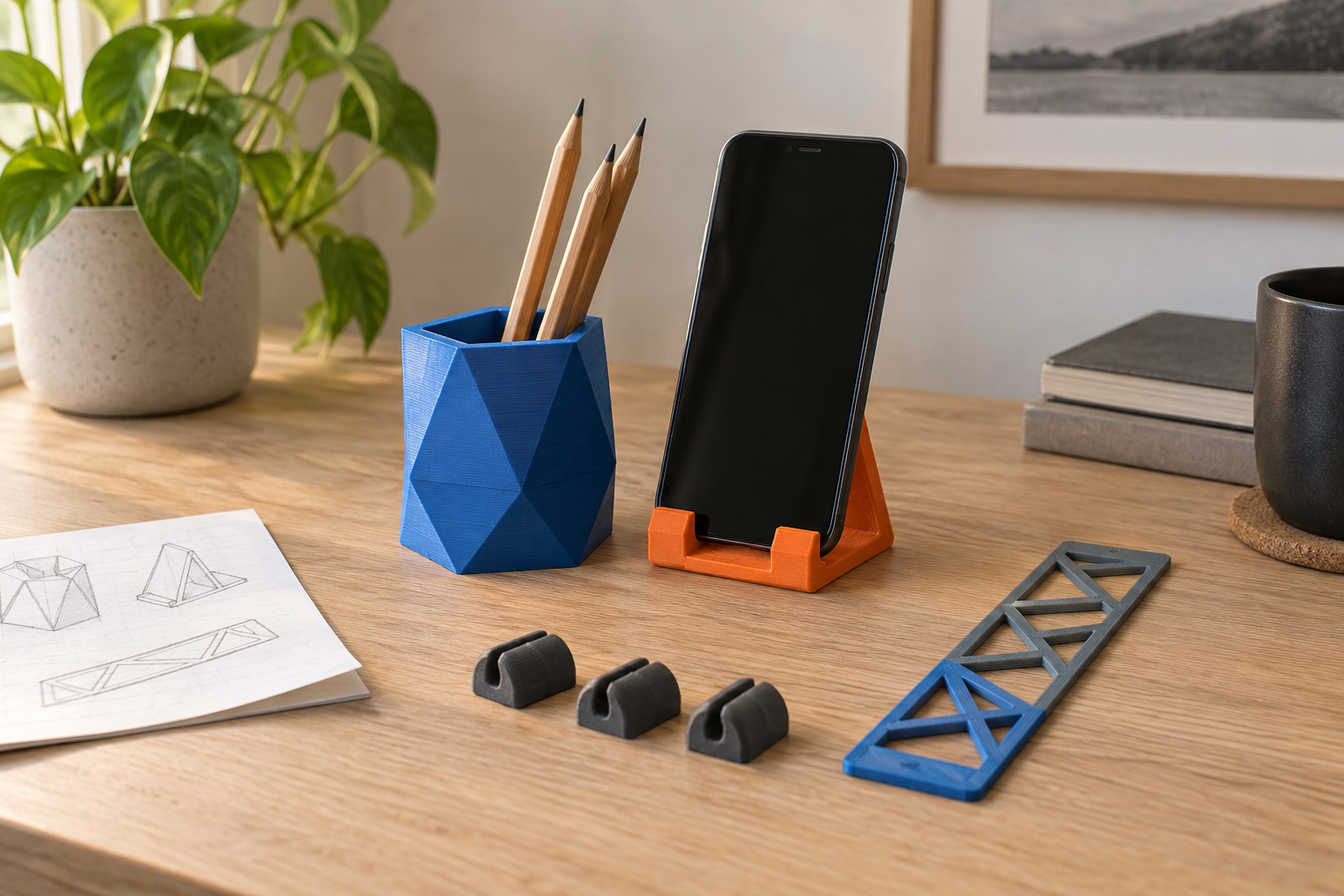
Make it useful. Make it yours.
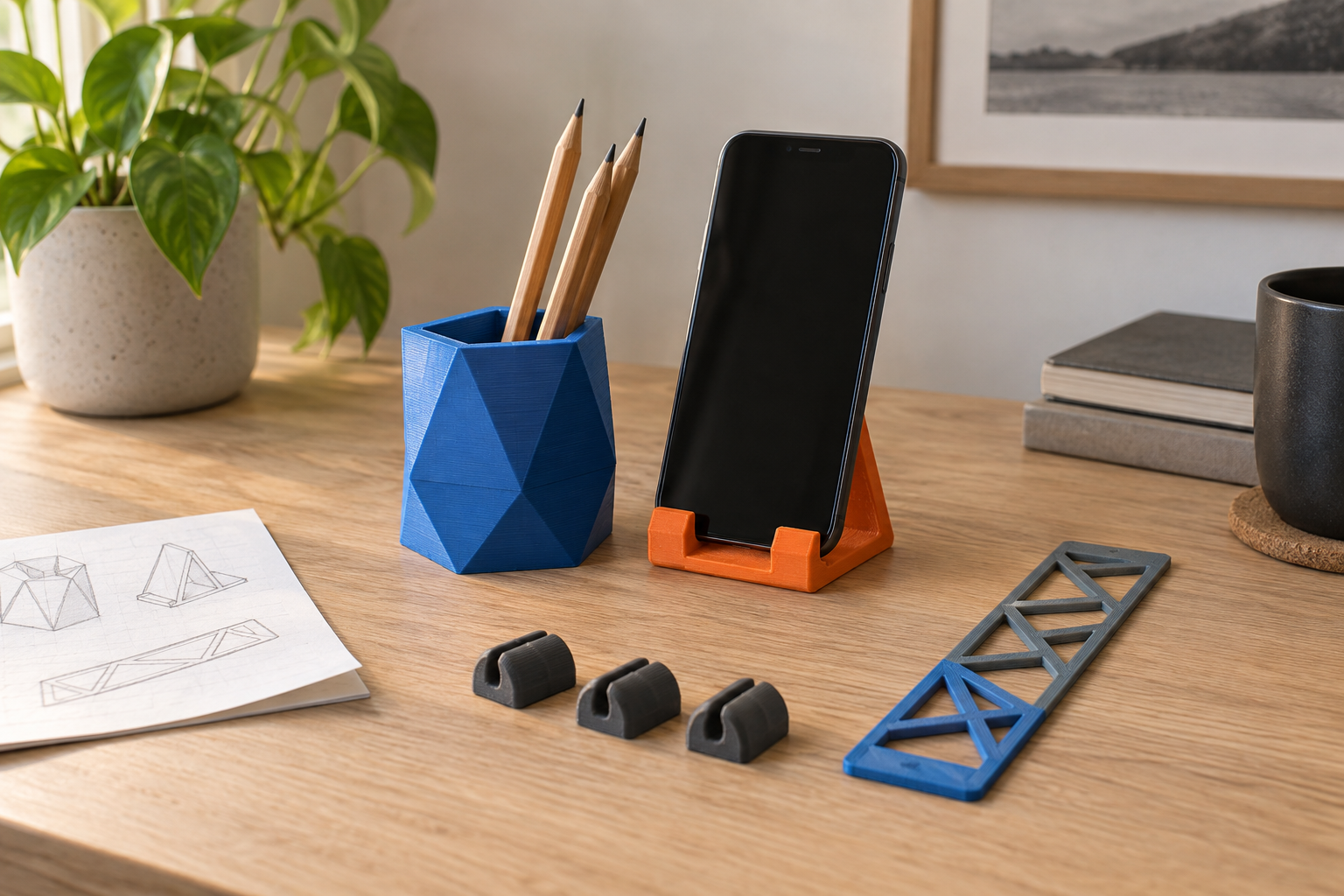
Try a pencil organiser, a phone stand or small cable clips. Begin with a simple model, check the fit and refine your design before making the next version.
09 / YOUR SELECTION
AD5X with the four-colour system.
One dark grey open-frame printer with the IFS module, spool holders, guide tubes and touchscreen. The four filament colours shown are not separate printer variants.
The details that matter.
Model / process
AD5X / FFF filament printing
Build volume
220 × 220 × 220 mm
Colour system
Up to 4 colours; one extruder
Maximum travel / print speed
600 mm/s / 300 mm/s
Maximum acceleration
20,000 mm/s²
Standard nozzle
0.4 mm; other nozzle sizes are optional
Maximum nozzle / bed temperature
300°C / 110°C
Build surface
Removable flexible PEI steel sheet
Layer thickness
0.1–0.4 mm
Display
4.3-inch colour touchscreen
Connections
USB, Ethernet and Wi-Fi
Included functions
Auto levelling, filament detection and power-loss recovery
Camera monitoring
Optional camera kit required; not included
Choose filament to suit the job.
PLA and PETG are supported, along with compatible TPU and carbon-fibre-filled PLA/PETG. TPU 95A is recommended for single-colour printing; the stated multicolour flexible-material range is TPU 64D–75D. Use the correct material profile and compatible nozzle.
What comes with the printer?
The standard package includes the printer, screen, IFS module and mounting parts, spool holders, guide tubes and connection cable, power cord, sample PLA, setup guide and basic maintenance tools. Tools include cutters, hex keys, a screwdriver and a nozzle-cleaning pin, with glue and lubricant.
Full-size coloured spools, sample printed objects, laptop, camera and optional nozzle sizes shown or discussed are not included in this standard selection. Use the supplied regional power cord and check its plug and equipment rating before connecting.
Your first project.
Follow the setup guide to fit the screen, spool holders and IFS components.
Place the printer on a stable surface in a dry, ventilated space, leaving at least 20 cm around each side.
Load suitable filament, select its profile and run the initial calibration.
Slice a small test model, check its settings and begin printing.
Keep clear of moving or hot parts. Wait for cooling before removing the plate or handling the nozzle.
Before you choose.
Does four-colour printing need four printheads?
No. One nozzle prints the colours in sequence while the IFS switches filament. Colour changes use purge material and can increase print time.
Is 4 kg of filament included?
No. Automatic refill capacity is a feature rating. The standard package includes sample PLA; full-size spools shown in the images are for illustration.
Is 600 mm/s the printing speed?
The EU specification table separates maximum travel speed of 600 mm/s from maximum print speed of 300 mm/s. Actual settings depend on the job.
Does it come with a camera?
No. A compatible camera kit is required for camera-based remote monitoring.
Can it use flexible filament in multiple colours?
Use a compatible TPU 64D–75D material for the stated multicolour capability. TPU 95A is recommended for single-colour use.
Is the printer fully enclosed?
No. This is an open-frame printer. An enclosure is not included in this selection.
Can it print straight from a design file?
Prepare the model in a compatible slicer using an AD5X profile, then send the supported print file by an available connection.
Where are delivery and returns explained?
Check the store shipping and returns policies before ordering. Available delivery options are shown at checkout.
Start with an idea.
Select AD5X and plan your first colour project.
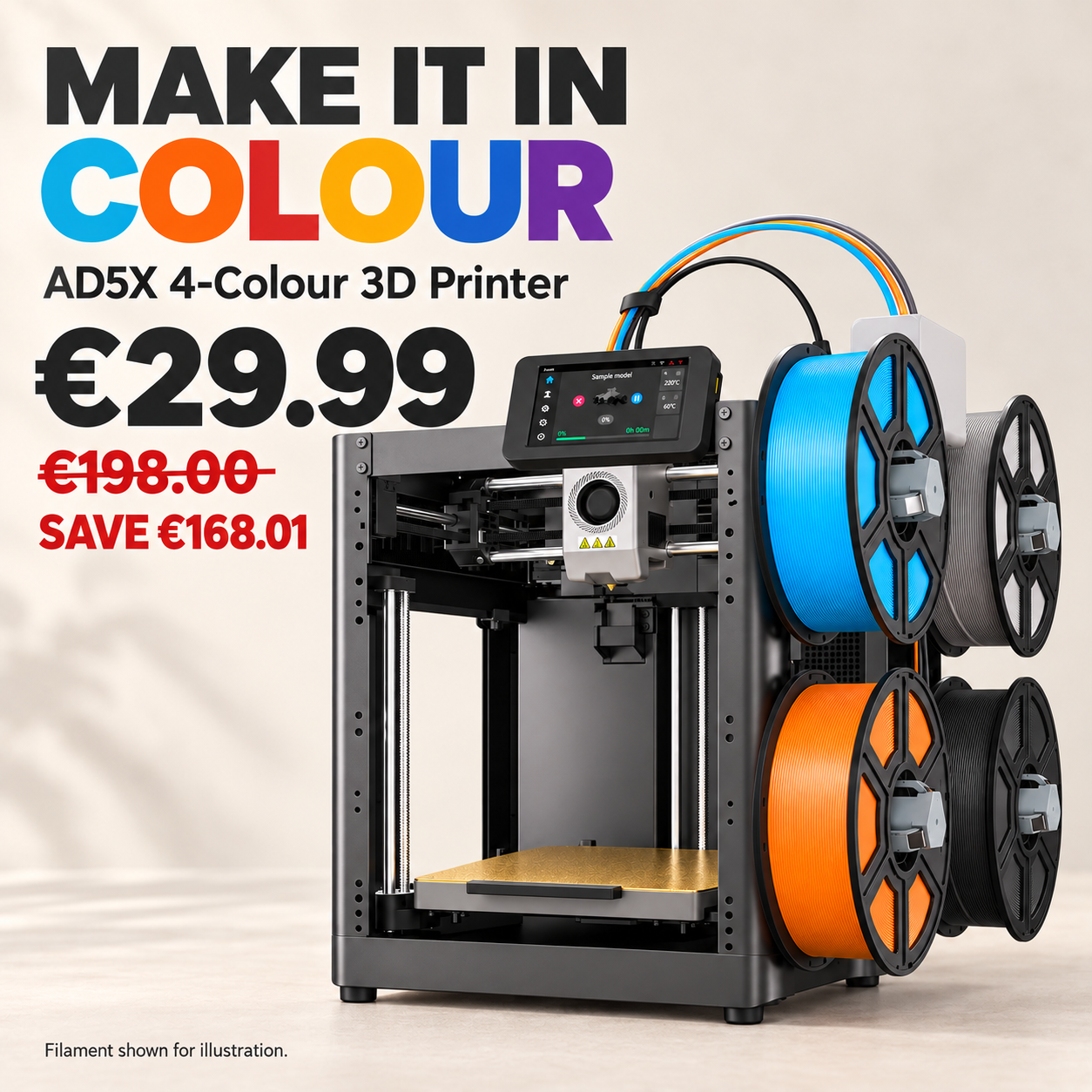
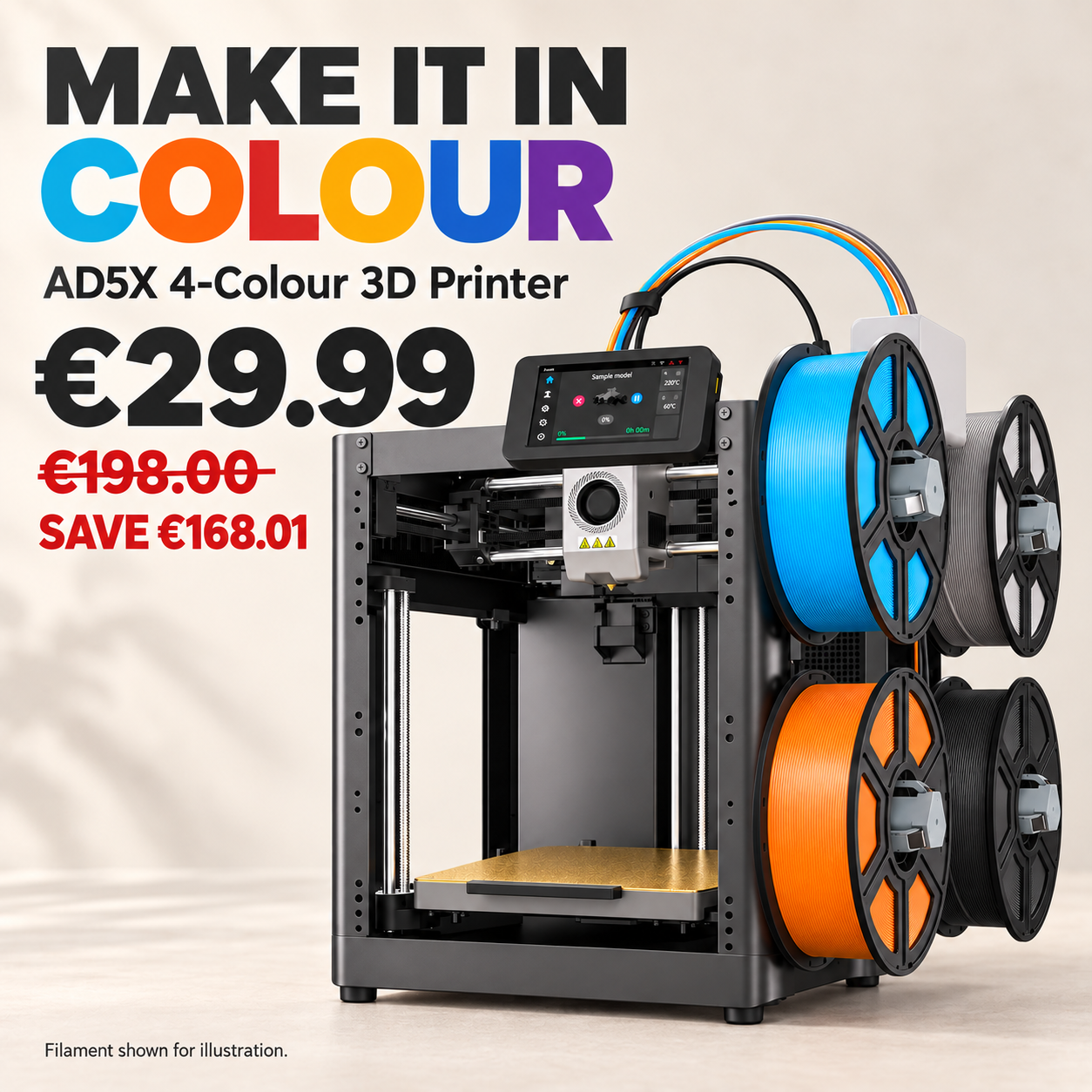
€29.99€198.00
SAVE €168.01
Your Trust, Our Commitment: Shop Excellence
Fast Shipping
Global doorstep delivery—
US, Europe & international.
Chat With Us
Friendly customer service
available 24/7.
Price-Match Guarantee
Shop confidently with our
competitive price promise.